
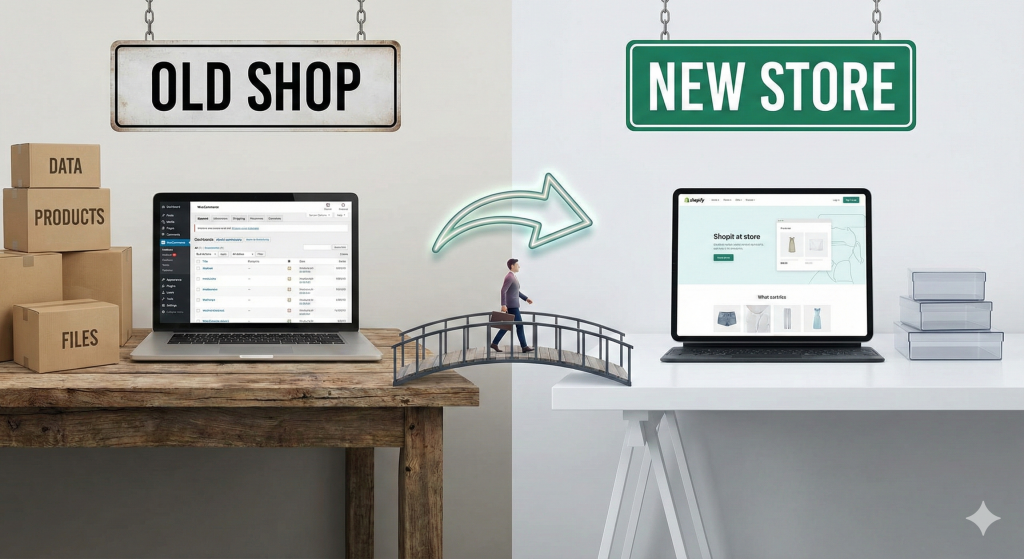
Thinking about moving your online store from WooCommerce to Shopify? You’re not alone. Many growing businesses find that the platform that served them well initially starts to show its limitations as they scale. A platform migration can feel like a monumental project, but it doesn’t have to be a source of stress. With a clear plan and the right expertise, you can execute a seamless transition that sets your business up for future success.
This guide provides a complete, step-by-step walkthrough of the WooCommerce to Shopify migration process for 2026. We’ll cover everything from the initial planning stages to post-launch checks, ensuring you can move your store confidently, without losing valuable data or hard-earned SEO rankings. As a Shopify Partner with deep expertise in WordPress and WooCommerce, we understand the nuances of this specific move and can help you navigate it flawlessly.
Why Store Owners Are Migrating from WooCommerce to Shopify
While WooCommerce offers flexibility, its open-source nature can become a burden for growing stores. The reasons to migrate from WooCommerce to Shopify often boil down to simplifying operations and building a more stable foundation for growth.
- Hosting Headaches: WooCommerce is a self-hosted platform. This means you are responsible for finding, managing, and paying for your own hosting. As your traffic grows, you may face server slowdowns, security vulnerabilities, or unexpected downtime, all of which can harm your sales and reputation. Shopify is a fully hosted solution, meaning they handle all server maintenance, security, and updates, providing a 99.9% uptime guarantee.
- Plugin Conflicts: To replicate Shopify’s out-of-the-box features, a WooCommerce store often relies on dozens of third-party plugins. Each new plugin adds another layer of complexity, increasing the risk of conflicts that can break your site’s functionality. Keeping them all updated and compatible becomes a constant, time-consuming task.
- Speed & Security: Site speed is a critical factor for both user experience and SEO. A WooCommerce store laden with plugins can become slow and clunky. Shopify’s infrastructure is optimised for e-commerce performance, ensuring fast loading times. Shopify also includes a free SSL certificate and is Level 1 PCI DSS compliant, handling security so you can focus on selling.
- Scaling Limitations: As your business scales, managing a WooCommerce store becomes more demanding. You need to handle server upgrades, security patches, and performance optimisation yourself or pay a developer to do so. Shopify is built to scale effortlessly, handling huge traffic spikes (like on Black Friday) without any intervention needed from you.
What Data Can Be Migrated from WooCommerce to Shopify?
A major concern for any store owner is data loss. Fortunately, a properly managed migration allows you to transfer the core components of your business. Here’s what you can typically move from WooCommerce to Shopify:
- Products: This includes product titles, descriptions, SKUs, prices, images, and variants.
- Customers: Your customer list, including names, email addresses, and shipping addresses, can be transferred.
- Order History: Migrating past orders is crucial for customer service and business reporting.
- URLs & SEO Data: With careful planning, you can migrate meta titles, meta descriptions, and redirect old URLs to preserve your search engine rankings.
- Blog Content: Your blog posts and images can be moved over, ensuring your content marketing efforts aren’t lost.
Pre-Migration Checklist
Preparation is the key to a successful migration. Before you start the technical process, work through this pre-migration checklist.
- Backup Your WooCommerce Site: This is a non-negotiable first step. Create a complete backup of your WooCommerce store’s files and database. This safety net ensures you can restore your old site if anything goes wrong.
- Clean Up Your Data: A migration is the perfect opportunity for a spring clean. Audit your product catalogue and remove old, discontinued, or duplicate products. Review customer data for duplicates or incomplete entries. Starting with clean data will make the import process much smoother.
- Audit Your Plugins: Make a list of all your active WooCommerce plugins. Identify which ones are essential to your store’s functionality (e.g., subscription management, loyalty programs). You will need to find Shopify app equivalents for these features.
- Choose Your Shopify Plan: Shopify offers several pricing plans. Review the features of each and select the one that best aligns with your business needs and sales volume. You can start with a free trial to explore the platform before committing.
3 Ways to Migrate WooCommerce to Shopify
You have three main options when it comes to the actual migration process. The right choice depends on your technical skill, budget, and the complexity of your store.
- Manual Migration (DIY): This involves manually exporting data (like products and customers) from WooCommerce using CSV files and then importing them into Shopify. While it’s the cheapest option, it’s also the most time-consuming and carries the highest risk of human error. It’s only suitable for very small stores with a handful of products and no complex data.
- Using Migration Apps: Automated tools like Cart2Cart or LitExtension can transfer your data for you. You configure the connection between your two stores, select the data you want to move, and the app handles the transfer. This is faster than a manual approach but can still present challenges. You are responsible for setting up the design, configuring apps, and implementing SEO redirects.
- Expert-Led Migration: Hiring a Shopify expert or agency, like SEO Tailor, is the most reliable method. An expert handles the entire process, from data migration and theme setup to SEO preservation and post-launch testing. This approach minimises risk, saves you time, and ensures the job is done correctly. As we have expert knowledge of both WordPress and Shopify, we can anticipate and solve problems unique to this type of migration.
Step-by-Step Migration Process
Here is a general overview of the steps involved in a professional WooCommerce to Shopify migration:
- Export Data from WooCommerce: The process begins by exporting your products, customers, and order history from your WooCommerce database.
- Set Up Your Shopify Store: While the data is being prepared, you can set up the basics of your new Shopify store, including selecting your plan and starting to configure general settings.
- Import Data into Shopify: The exported data is carefully imported into Shopify. This step requires meticulous checking to ensure all information, especially product variants and customer details, maps correctly.
- Theme Setup and Customisation: A Shopify theme is chosen and customised to match your branding. This is more than just colours and logos; it involves creating a user-friendly navigation structure and optimising page layouts for conversions.
- Install and Configure Apps: Essential Shopify apps are installed to replicate and enhance your store’s functionality, covering everything from email marketing to loyalty programs.
- Configure Payments, Shipping, and Taxes: You’ll set up your payment gateways (like Shopify Payments), configure your shipping zones and rates, and ensure your tax settings are correct.
SEO Considerations When Migrating
One of the biggest risks when you move your e-commerce platform is losing your search engine rankings. A drop in organic traffic can be devastating. Protecting your SEO is a critical part of the migration.
- 301 Redirects: This is the most important SEO task. WooCommerce and Shopify have different URL structures. You must create a “map” that redirects every single old WooCommerce URL to its new Shopify equivalent using 301 redirects. This tells Google that the page has moved permanently, passing along its SEO authority.
- URL Structure: Be mindful of how Shopify handles URLs. For example, Shopify adds
/collections/and/products/to category and product URLs. Understanding this helps in creating an accurate redirect map. - Meta Titles & Descriptions: Ensure that all your SEO meta titles and descriptions are migrated correctly for products, collections, and blog posts.
- Image Optimisation: Check that all product images have descriptive alt text to help with image search rankings.
Common Migration Mistakes (And How to Avoid Them)
Many things can go wrong during a migration. Here are some common pitfalls and how to steer clear of them.
- Losing SEO with Broken URLs: Mistake: Failing to implement a comprehensive 301 redirect plan. Solution: Create a full URL map and test your redirects thoroughly after the migration to ensure no “404 Not Found” errors.
- Missing Customer Passwords: Mistake: Forgetting that customer passwords cannot be migrated for security reasons. Solution: Before launch, send an email to your customer base informing them about the new site and asking them to re-activate their account by creating a new password.
- Product Variants Not Working: Mistake: Incorrectly mapping product variations (e.g., size, colour), leading to broken or unsellable products. Solution: Double-check all product variant data after the import and test adding different variants to the cart.
- Incomplete Order History: Mistake: Losing valuable order history data during the transfer. Solution: Use a reliable migration method and verify that order data, including customer notes and fulfilment status, has been transferred correctly.
When to Hire a Shopify Migration Expert
While a DIY migration might seem tempting to save money, the potential costs of getting it wrong are far greater. Lost sales from downtime, a permanent drop in organic traffic, and a poor customer experience can damage your business in the long run.
You should hire an expert for your WooCommerce to Shopify migration if:
- You have a large catalogue of products, customers, or orders.
- SEO is a significant source of your traffic and revenue.
- You have custom functionality on your WooCommerce store.
- You want peace of mind and want the job done right the first time.
As a Shopify Partner with years of experience in both WordPress and Shopify ecosystems, SEO Tailor provides a comprehensive migration service that covers all the bases. We handle the technical details so you can focus on running your business.
Ready to make the move? Let’s discuss your project and ensure a seamless, successful transition to Shopify.